
From zero to a working chat completion in about ten minutes. You need an account, which comes with $10 of credit.
Sign up, then go to Settings → API keys and create one. It looks like
g4a_live_<30 chars> and is shown once.
$ curl https://api.gpus4all.dev/health
# healthy$ curl https://api.gpus4all.dev/v1/models \
-H "Authorization: Bearer g4a_live_xxxx"
# {"object":"list","data":[{"id":"gpus4all/llama-3.1-8b-instruct", ...}]}$ curl https://api.gpus4all.dev/v1/chat/completions \
-H "Authorization: Bearer g4a_live_xxxx" \
-H "Content-Type: application/json" \
-d '{
"model": "gpus4all/llama-3.1-8b-instruct",
"messages": [{"role": "user", "content": "Explain what a GPU is in one sentence."}],
"max_tokens": 100
}'The response is the standard OpenAI shape: an id, a
choices array, and usage with token counts. Your
spend is shown in the response metadata if you pass
stream_options: {"include_usage": true}.
Add "stream": true and you get
text/event-stream chunks in the same format as the reference
OpenAI client. Most clients handle this with no code change.
The same flow works for an instance, from the CLI or the console. A 4090 boots in about four minutes; an H100 in about seven.
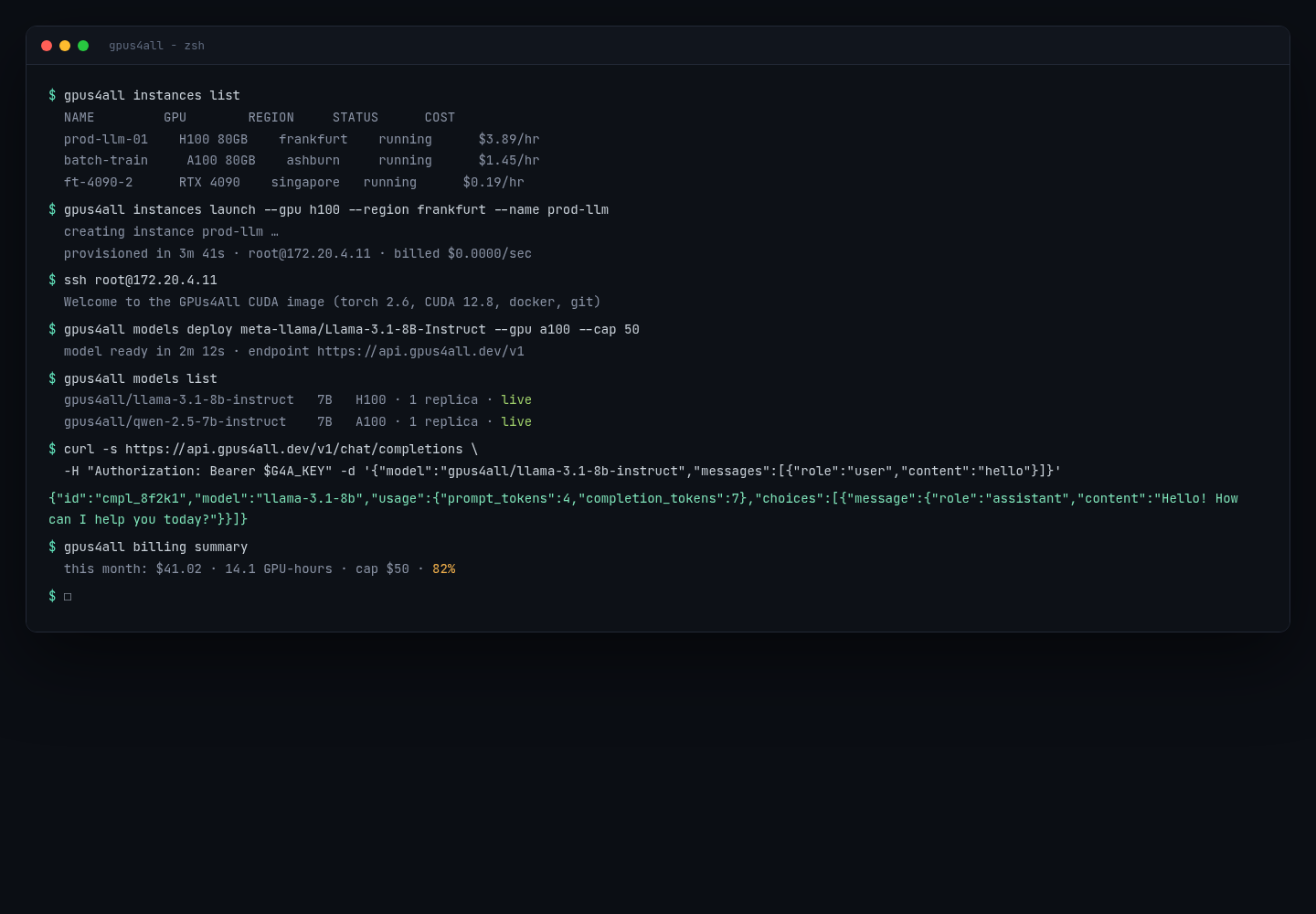
If you want a shell instead of an endpoint: create an instance in the
console, wait for it to boot (a few minutes), and
ssh root@<instance-ip>. The default image has CUDA,
docker, and git. Delete it when you are done and billing stops.
401 means the key is wrong or expired. Rotate it in
Settings.429 means the rate limit or the spending cap. Both are
per deployment.404 model_not_found means the model id is not one we
host. Check /v1/models or ask us to add it.Next: the API reference.